
Online Fee Payment Instructions
North Clifton Estates has options to easily and securely pay annual fees online, and over the phone by credit card; all you need is the access code and invoice number as outlined on your renewal statement.
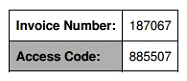
To get started, go to https://central.ivrnet.com/northclifton/payment from any internet browser. This link will also be listed on your renewal statement. You will be asked to enter your invoice number and access code.
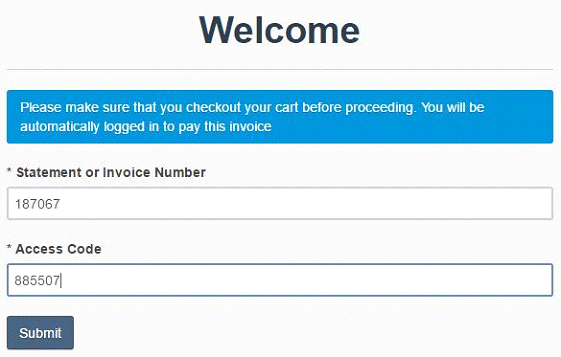
Click Submit.
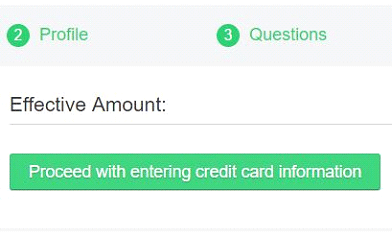
You will then be directed to a short multi-step process to confirm payment amount, update contact information, accept waiver(s), and enter payment details. At the final step, click Proceed with entering credit card information.
Telepay Fee Payment Instructions
North Clifton Estates has also implemented a new way to pay for your annual encumbrance fee. Telepay is a fully secure and PCI-compliant method for paying by credit card over the phone, through auto-attendant.
To get started, have your invoice and credit card ready, and dial 587-393-7380. Follow the prompts given by the auto-attendant to complete your payment.
For more information, or instruction on how to use these new systems, please call the office at 780-651-1577.

